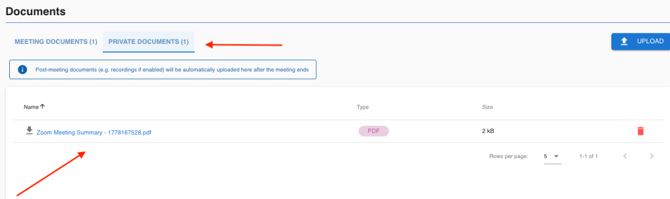
The AI Companion provides automated summaries of your Virtual Board Meetings, allowing hosts to capture key discussion points without manual note-taking.
Enabling the AI Companion
-
Start the Virtual Board Meeting.
-
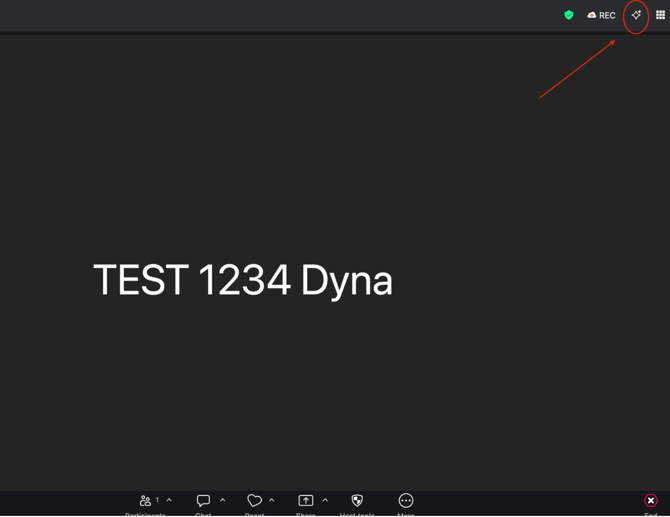
Click the AI Companion icon in the top right corner of the screen.
-
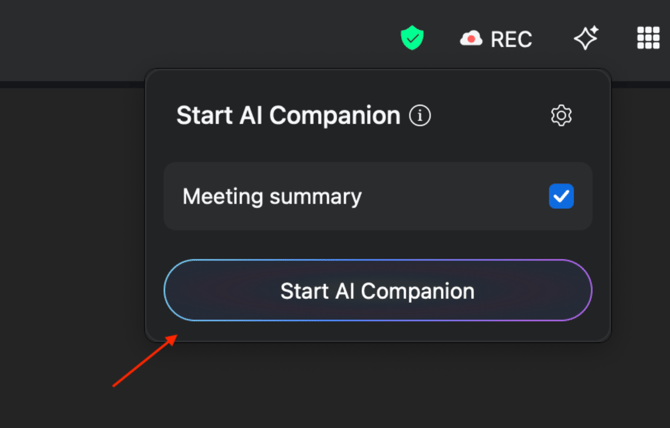
Click Start AI Companion in the pop-up window.
Accessing the Summary Report
The summary report is generated a few minutes after the Meeting ends.
-
Navigate to the Overview tab.
-
Select Documents > Private Documents.